
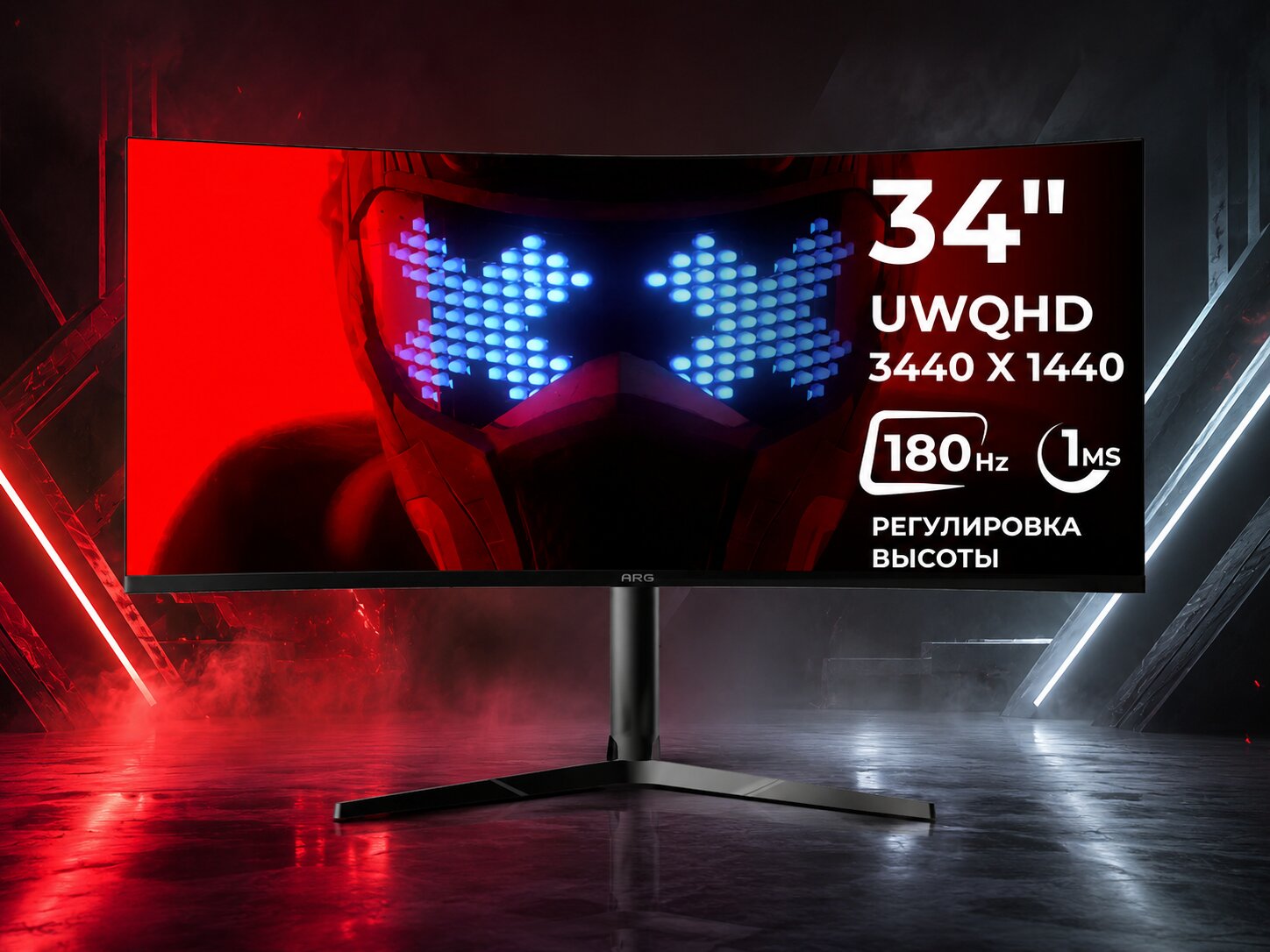
A screen affects comfort more than it may seem, as it influences your sitting posture at the desk, eye strain, and overall convenience during long hours of use. If you are looking for computer monitors, it is important to first determine your main needs: documents, studying, gaming, movies, graphics work, or all-around use.
Table of Contents
Screen Size and Resolution: The Foundation of a Comfortable Display
For office tasks, studying, and web browsing, a 23.8–24-inch monitor is often sufficient. Such a screen does not take up much space while still providing enough room for documents, spreadsheets, and video calls. For watching movies and working with multiple windows at the same time, a 27-inch monitor is usually more comfortable.
Resolution should be chosen together with screen size. Full HD is suitable for basic tasks and smaller displays. For 27-inch monitors, Quad HD offers a more comfortable level of sharpness if you need better image clarity. For working with photos, videos, and highly detailed visuals, 4K UHD can be a good option, though it is important to consider your computer’s capabilities.
Refresh Rate and Response Time: When They Matter
For everyday work, a refresh rate of 60–100 Hz is generally enough. Text, spreadsheets, web browsing, and email do not require gaming-level specifications. However, if the monitor is intended for fast-paced gaming, it is better to consider models with refresh rates of 120 Hz, 144 Hz, or higher.
Response time is also important for gaming and fast-moving scenes. The lower it is, the less noticeable motion blur and ghosting will be. For movies and office work, this parameter is not as critical, so paying extra solely for it is not always necessary.
Before buying, it is useful to compare several characteristics at once:
- screen size and viewing distance;
- resolution and image sharpness;
- panel type and viewing angles;
- refresh rate and response time;
- available ports for connecting a computer, laptop, or console.
This approach helps avoid focusing only on screen size. In some cases, a more compact monitor with a better resolution can be more comfortable than a larger model with basic specifications.
Panel Type, Connectivity, and Ergonomics
The panel type affects color reproduction, contrast, and viewing angles. IPS panels are often chosen for all-around use, studying, image-related work, and watching videos. VA panels may appeal to users who value deeper contrast. For gaming, it is also worth paying attention to refresh rate, response time, and support for synchronization technologies.
In Almaty, you can compare models for work, study, gaming, and home use at the Sulpak store. On the website www.sulpak.kz, it is worth checking the specifications to find a screen that matches your computer.


